Creating a QR code is easy. Getting people to scan it is the real work.
Placement, context, and call-to-action matter as much as the code itself. A QR code hidden in a corner with no explanation will be ignored. A QR code placed at the exact moment a customer needs directions, WiFi, reviews, contact details, booking, or support can be genuinely useful.
Use QRzila's free QR tools to create codes for websites, reviews, maps, WiFi, WhatsApp, events, social profiles, app stores, and business cards. Start with URL QR if you need a general link.
What makes a QR code placement effective?
Effective placement has four qualities: visibility, timing, context, and scannability. People should see the code, understand why they should scan it, have a reason to act now, and be able to scan without awkward positioning.
A strong call-to-action is essential. "Scan me" is weak. "Scan for directions", "Scan to leave a review", or "Scan to connect to WiFi" is much better.
1. Business cards
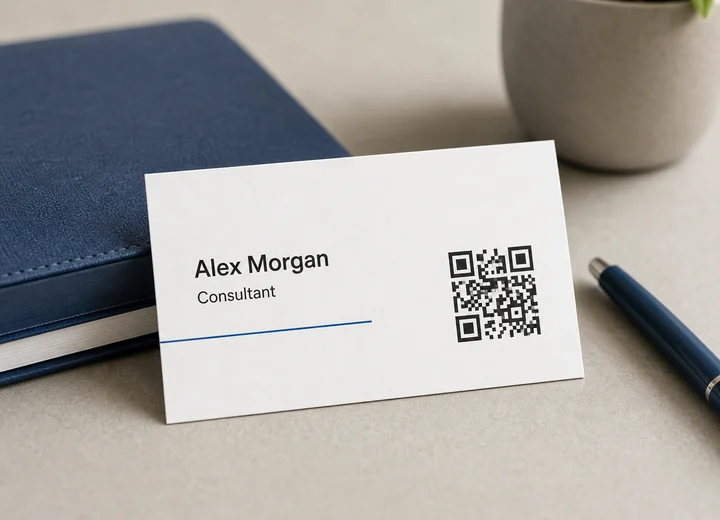
Business cards are a natural place for a QR code because the person already has your contact details in hand. Use Business Card QR when you want people to save your vCard details, MeCard QR for simpler contact sharing, LinkedIn QR for professional networking, or URL QR for a portfolio or booking page.
A consultant, realtor, photographer, or sales representative can place the QR code on the back of the card with a short line such as "Scan to save my contact." Keep the code square, give it enough blank space, and test a printed proof before ordering a full batch.
2. Storefront windows
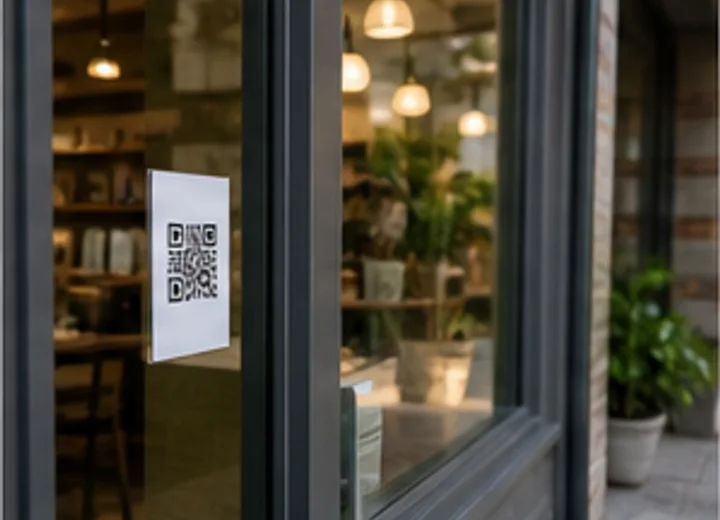
Storefront windows can help customers act even when your business is closed. Use Google Maps QR for directions, URL QR for hours, menus, or booking pages, WhatsApp Chat QR for quick questions, and Google Review QR when you want recent visitors to leave feedback.
A salon could add a booking QR code near the door, while a restaurant could link to a menu or reservation page. Place the code where glare is low and test it from outside at the distance customers will actually scan.
3. Checkout counters
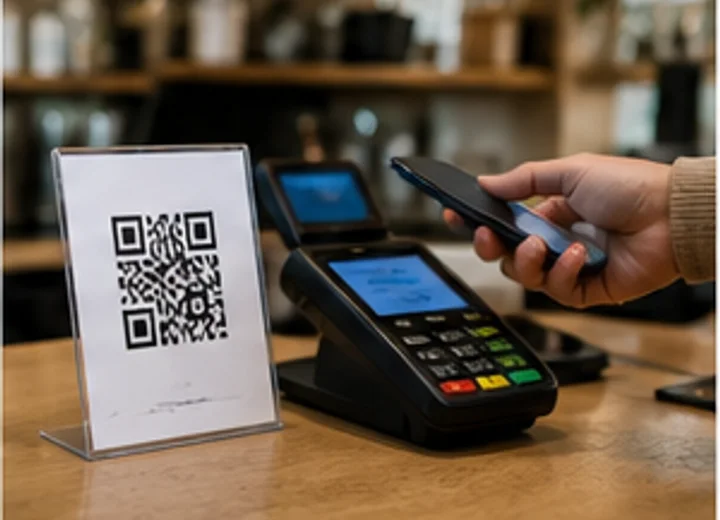
Checkout counters are one of the best moments for review, loyalty, and support QR codes because the customer has just completed an interaction. Use Google Review QR for review requests, WhatsApp Chat QR for support, URL QR for loyalty signup, or Instagram QR for social follow prompts.
A bakery, barber shop, repair shop, or clinic can place a small counter sign beside the payment area. Ask politely, keep the wording natural, and avoid prohibited review incentives.
4. Receipts
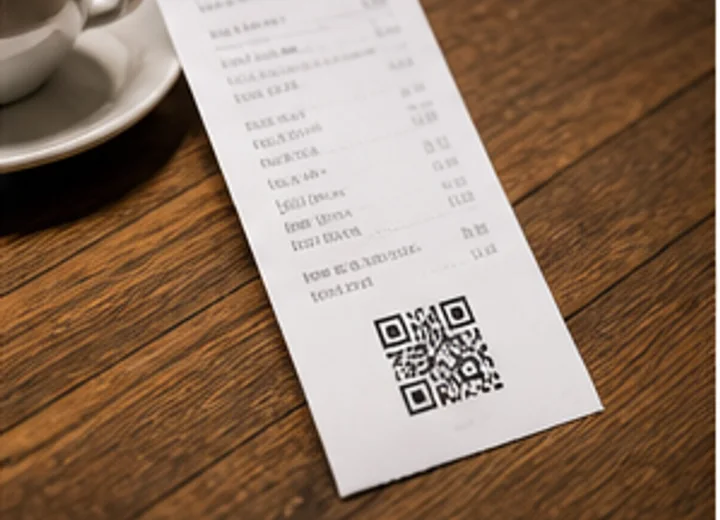
Receipts and invoices are useful because customers often keep them after the visit. Use Google Review QR for feedback, WhatsApp Chat QR for post-purchase support, URL QR for warranty forms or reorder pages, and Google Maps QR if the receipt supports a location-based follow-up.
An auto repair shop can add a review QR code to invoices, while a retailer can link to return instructions or product care details. Printed receipt codes need strong contrast because receipt printers can make QR codes faint.
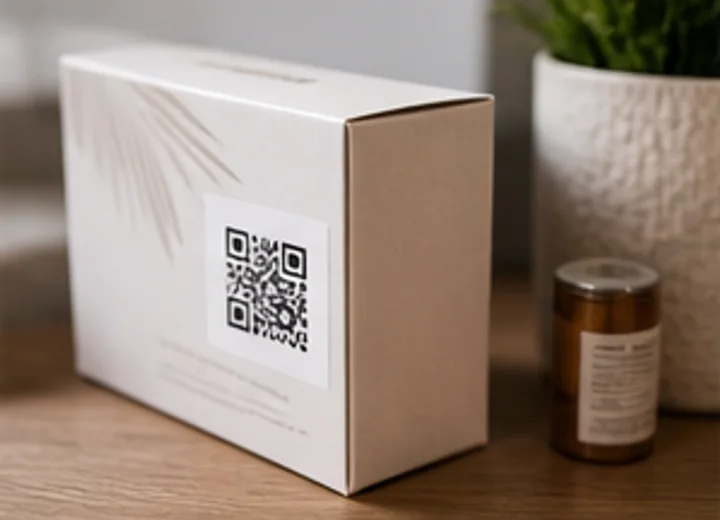
5. Product packaging
Packaging has limited space, so a QR code can connect the product to instructions, videos, reviews, support, and app downloads. Use URL QR for care pages or setup guides, YouTube QR for demo videos, Google Review QR for post-purchase feedback, Google Play QR or App Store QR for companion apps, and WhatsApp Chat QR for support.
A skincare brand can link to usage instructions, a food brand can link to recipes, and an electronics brand can link to setup videos. Avoid folds, seams, and highly curved surfaces where scanning becomes awkward.
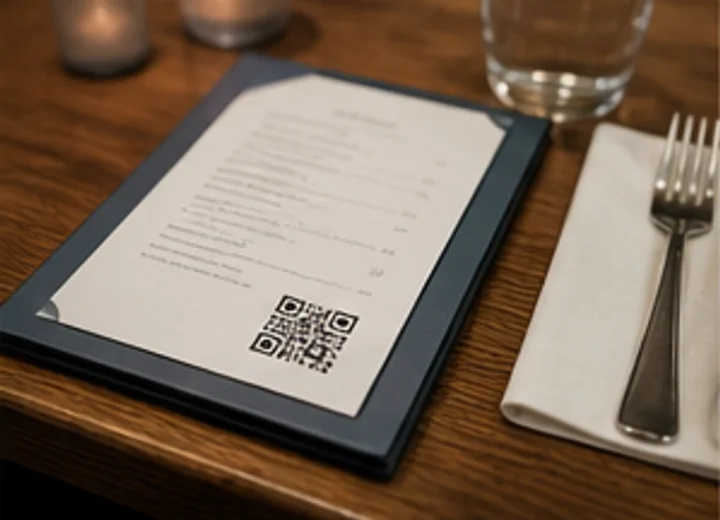
6. Restaurant menus
Menus can do more than show food items. Use URL QR for digital menus or seasonal specials, WiFi QR for guest internet access, Instagram QR or TikTok QR for social discovery, and Google Review QR for feedback after the meal.
A restaurant can place one QR code for the menu and a separate, clearly labeled code for WiFi or reviews. Avoid crowding several codes together without labels, especially on small table menus.
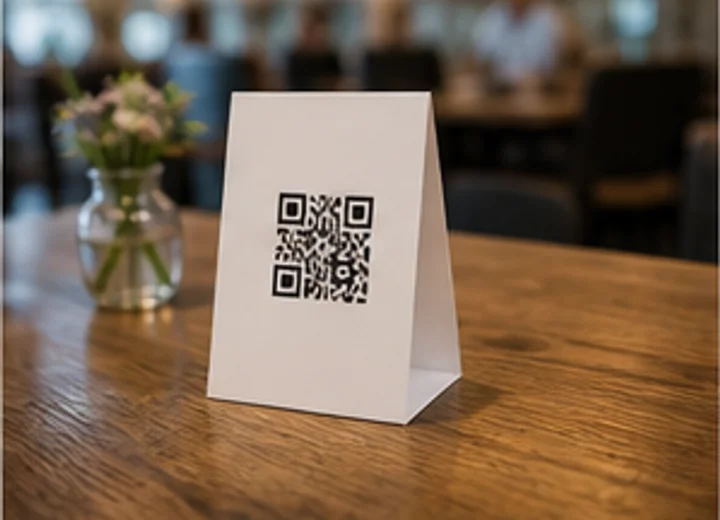
7. Table tents
Table tents work well because people are seated, close to the code, and have time to scan. Use WiFi QR for guest access, Google Review QR for feedback, URL QR for menus or offers, WhatsApp Chat QR for ordering questions, and Instagram QR for social following.
A cafe might show "Scan to connect to guest WiFi" on one side and "Enjoyed your visit?" on the other. If you include more than one code, make each action visually distinct.
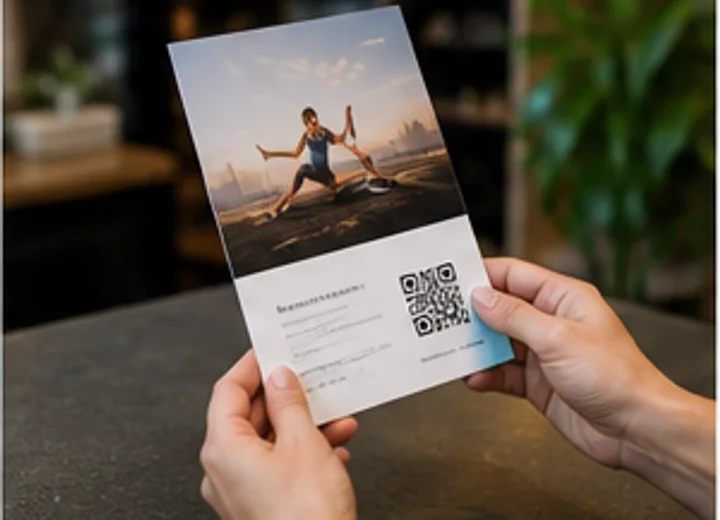
8. Flyers
Flyers need a simple next step because people rarely type long URLs from paper. Use URL QR for landing pages, Event QR for classes or workshops, WhatsApp Chat QR for inquiries, Google Maps QR for location details, and Google Review QR for service-based follow-up flyers.
A fitness studio can link to a trial class signup, while a local contractor can link to a quote request page. Put the QR code close to the offer so the scan feels like the obvious next action.
9. Posters
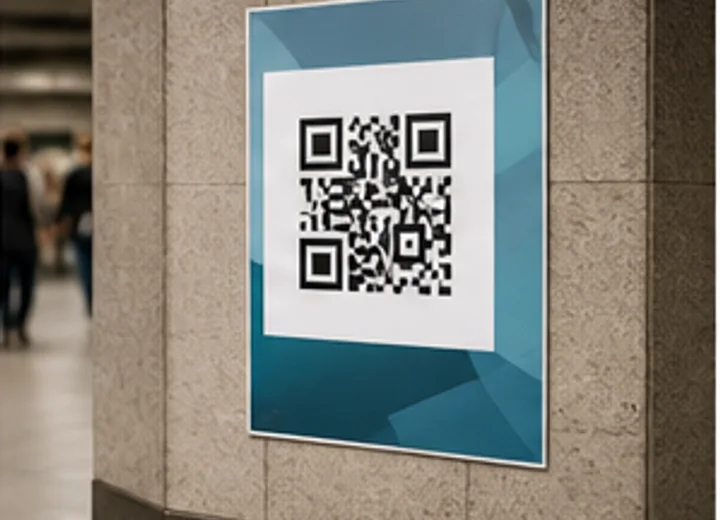
Posters are useful for events, announcements, launches, and public information. Use Event QR so people can add an event to their calendar, URL QR for registration pages, Google Maps QR for venue directions, YouTube QR for trailers or demos, and WhatsApp Group QR for community event groups.
A school, venue, or conference organizer can place a large QR code near the event details. Test the code from the distance people will stand, not only from your desk.
10. Brochures
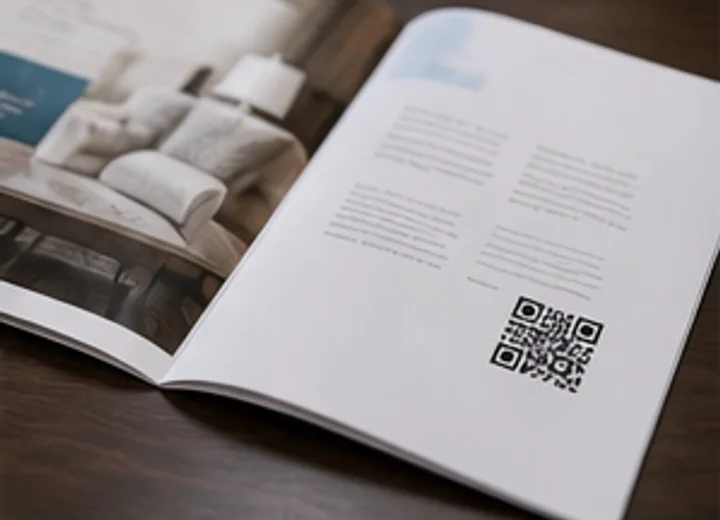
Brochures are great for summaries, but they cannot hold every video, gallery, testimonial, or booking option. Use URL QR for service pages, YouTube QR for demos, Business Card QR for sales contacts, LinkedIn QR for professional profiles, and Google Review QR for reputation proof.
A contractor can link to a project gallery, a clinic can link to patient forms, and a consultant can link to a booking page. Place the QR code next to the section it supports.
11. Direct-mail postcards
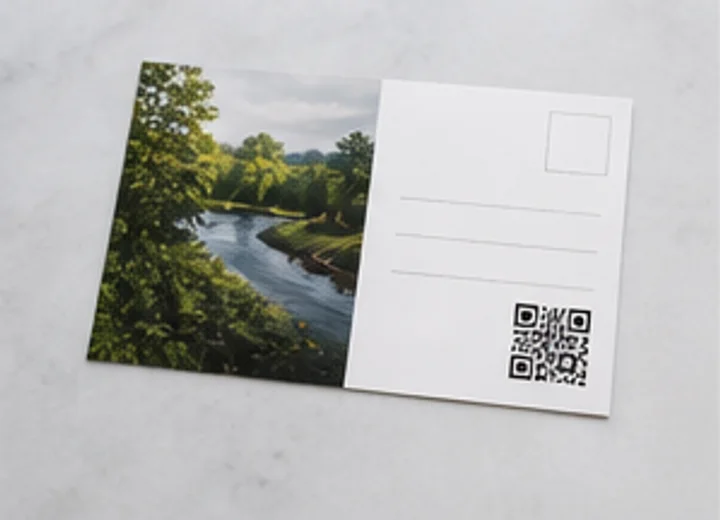
Direct mail works better when the next action is easy. Use URL QR for landing pages, Google Maps QR for store directions, WhatsApp Chat QR for quote requests, Phone QR for direct calls, and Google Review QR when mailing follow-ups to recent customers.
A realtor can link to available homes, a dental clinic can link to appointment booking, and a restaurant can link to a coupon page. Use a clear benefit near the code so recipients know why scanning is worth it.
12. Event badges
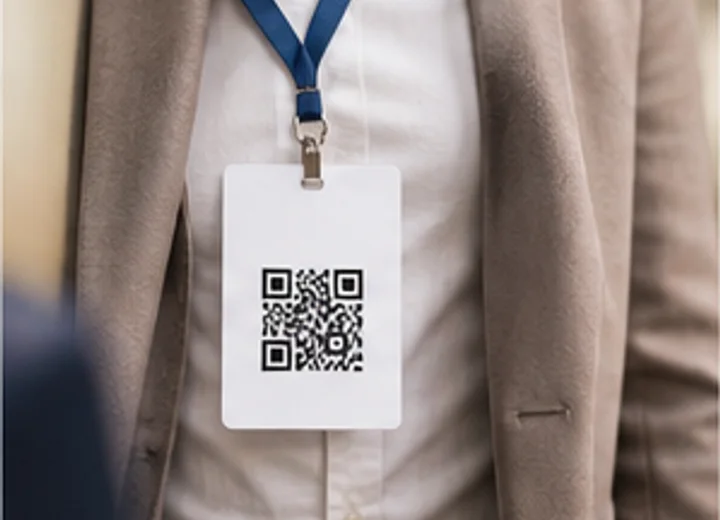
Event badges make networking easier when the QR code is visible and simple to scan. Use Business Card QR for vCard details, LinkedIn QR for professional follow-up, Event QR for session details, URL QR for speaker resources, and Telegram QR or Discord QR for community groups.
A speaker badge can link to a resource page, while an attendee badge can link to LinkedIn or a digital business card. Make sure the lanyard, holder, or clothing does not cover the code.
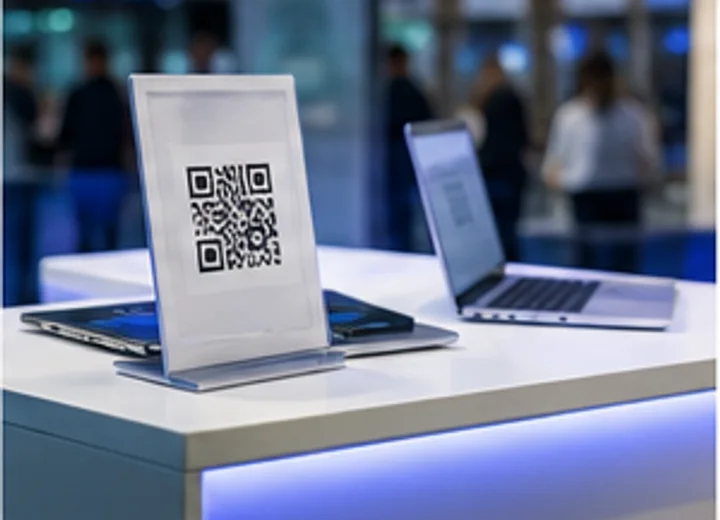
13. Trade-show booths
Trade-show visitors often move quickly, so QR codes should capture interest without requiring a full conversation. Use URL QR for demo signup, Google Play QR and App Store QR for app downloads, YouTube QR for demos, Business Card QR for sales contacts, and LinkedIn QR for company pages.
A software company can place one QR code for app downloads and another for booking a demo. Put codes at both eye level and tabletop level so people can scan comfortably.
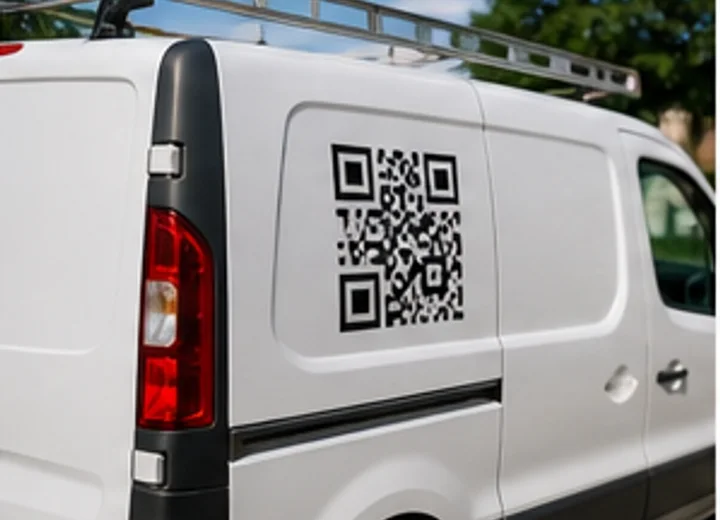
14. Vehicle decals
Vehicle decals can work when the vehicle is parked at a job site, event, or storefront. Use URL QR for service pages, Phone QR for direct calls, WhatsApp Chat QR for quotes, Google Maps QR for a showroom location, and Google Review QR on parked service vehicles after completed jobs.
A plumber, landscaper, cleaner, or food truck can use a large QR code on a parked vehicle. Do not expect people to scan safely from a moving vehicle.
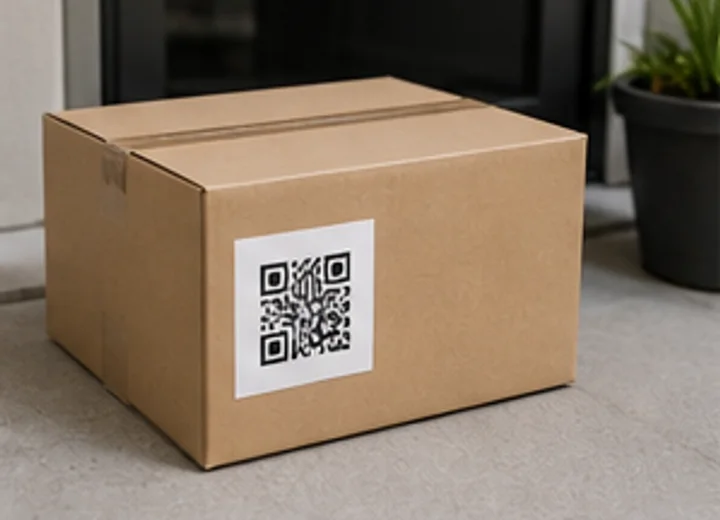
15. Delivery packaging
Delivery packaging reaches customers at the exact moment they receive the product. Use Google Review QR for feedback, WhatsApp Chat QR for support, URL QR for reorder pages, YouTube QR for setup instructions, and Instagram QR or TikTok QR for social sharing.
A meal prep company can link to reorders, while an online retailer can link to returns or care instructions. Keep the code away from folds, seals, tape, and curved corners.
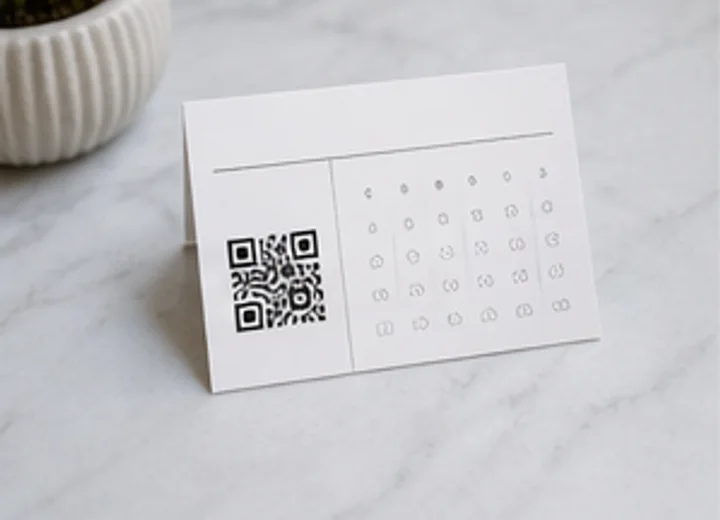
16. Appointment cards
Appointment cards can help customers remember time, location, and contact options. Use Event QR to add the appointment to a calendar, Google Maps QR for directions, Phone QR for calls, WhatsApp Chat QR for questions, and URL QR for intake forms.
A clinic, salon, repair shop, or consultant can include both readable appointment details and a QR code for the next action. The QR code should support the card, not replace essential printed information.
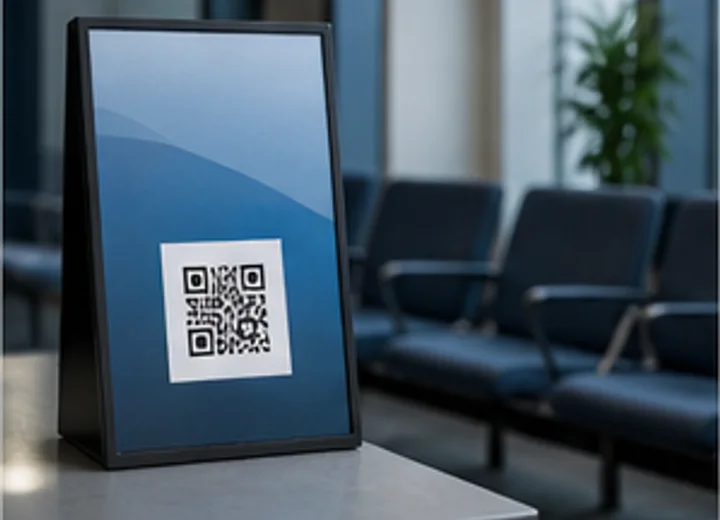
17. Waiting rooms
Waiting rooms are good places for useful, low-pressure QR codes. Use WiFi QR for guest access, URL QR for forms or resources, Google Review QR for feedback, WhatsApp Chat QR for support, and Google Maps QR if visitors often need directions to another office or branch.
A dental office can link to forms, a clinic can link to insurance instructions, and a service center can link to status updates. Make the sign clean, readable, and placed at eye level.
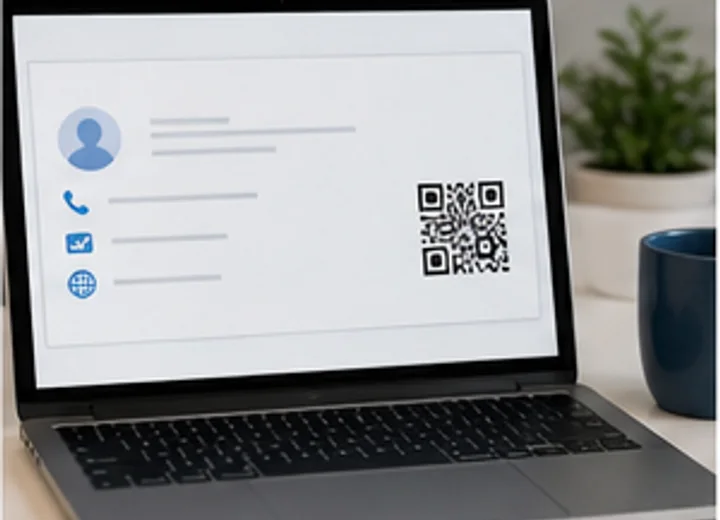
18. Employee email signatures
Email signatures are digital, but QR codes can still help when recipients move from desktop email to mobile action. Use Business Card QR for contact saving, URL QR for booking pages, LinkedIn QR for professional profiles, Phone QR for direct calls, and WhatsApp Chat QR for fast messaging.
A sales representative can link to a booking page, while a recruiter can link to LinkedIn. Keep the QR image small enough that it does not make the signature feel heavy or cluttered.
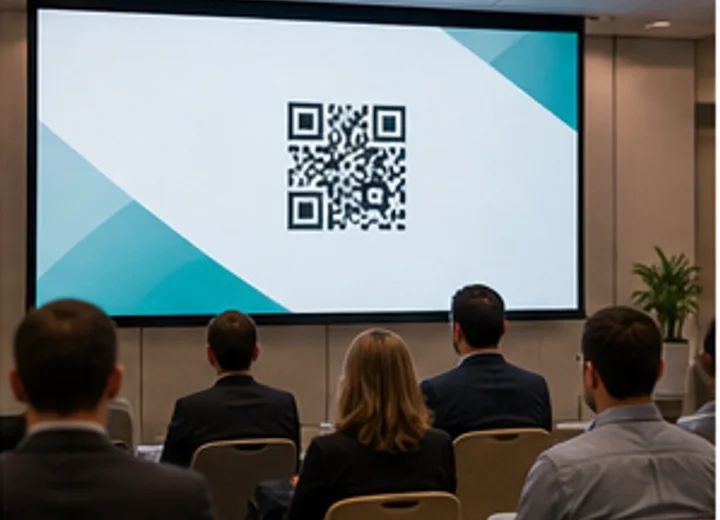
19. Presentation slides
Presentation slides are ideal for resource links because audiences cannot easily type URLs during a talk. Use URL QR for slides or downloads, Event QR for follow-up sessions, LinkedIn QR for speaker profiles, YouTube QR for recorded talks, and Discord QR or Telegram QR for community spaces.
A speaker can show a QR code on the final slide for resources, feedback, or contact details. Leave the slide visible long enough for scanning and use a high-contrast code.
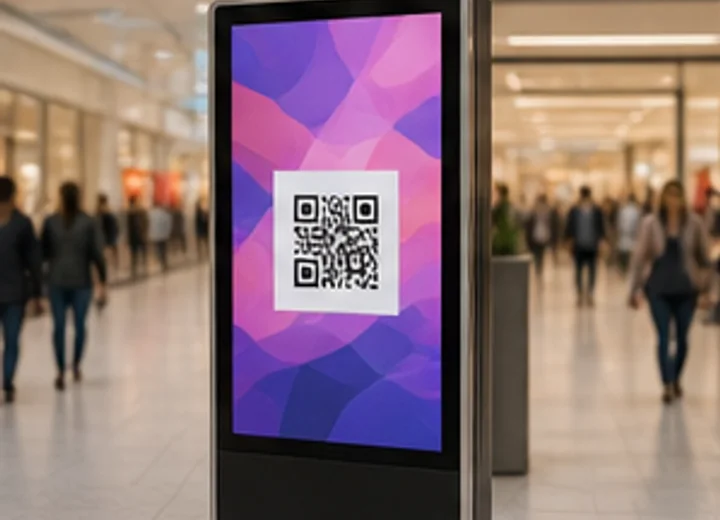
20. Social media graphics or digital advertisements
Digital ads and social graphics work best when the viewer is likely using a second device or seeing the graphic on a screen in a physical space. Use URL QR for campaign pages, Google Play QR and App Store QR for app installs, WhatsApp Chat QR for inquiries, Instagram QR, TikTok QR, YouTube QR, or Facebook QR for social promotion.
A restaurant can show a QR code for reservations on a digital display, while a startup can show app-store QR codes at a launch event. QR codes in mobile-only social feeds are less useful because the viewer is already on the device that would scan the code.
Frequently Asked Questions
What is the best place to put a QR code?
The best place is where the customer has a clear reason to scan and can do so comfortably.
Should every business card have a QR code?
Not every card needs one, but a vCard or website QR code can make follow-up easier.
Can QR codes grow my business by themselves?
No. QR codes reduce friction, but the offer, placement, customer experience, and follow-up still matter.
How do I test a printed QR code?
Print a proof, scan from the intended distance, test multiple phones, and confirm the destination.
Which QR code should I start with?
Most small businesses should start with review, maps, website, WiFi, or business card QR codes.
Final placement checklist
Choose one customer problem, pick the right QR type, write a clear scan prompt, place the code where the action makes sense, test the printed version, and review the destination regularly.
Explore all free QRzila tools from the homepage, or start with Google Review QR, Google Maps QR, WiFi QR, and Business Card QR.
Create your QR code for free
Use QRzila to generate QR codes instantly. No signup required. No watermarks. Download in PNG and SVG formats.
Explore QR toolsRelated articles
Last updated 2026-07-14. © QRzila.